February 26, 2026
2-3 min read
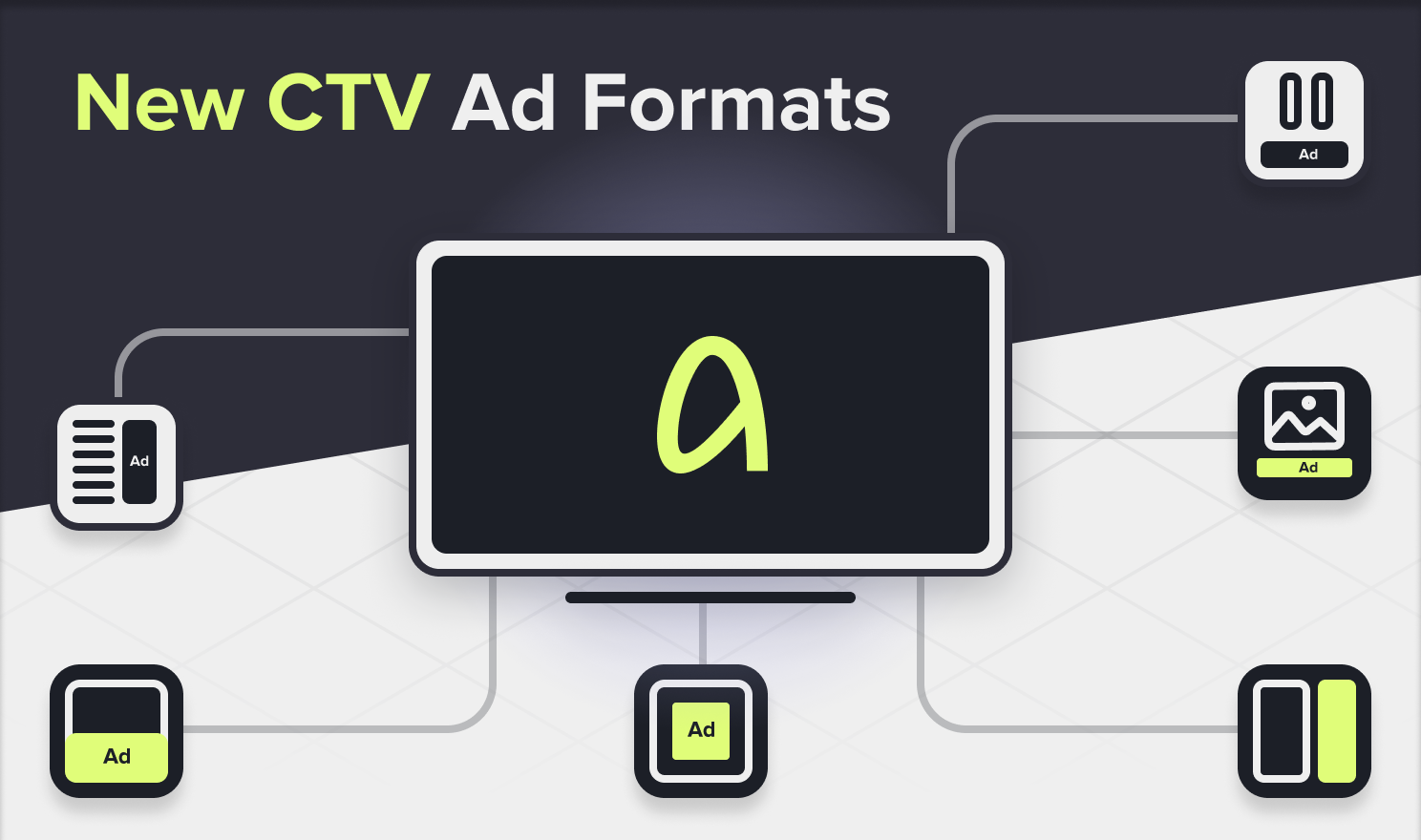
Advertisers are exploring new ways to capture attention. The world of CTV and digital video advertising is evolving faster than ever. From interactive experiences to seamless integrations, brands now have more ways than ever to engage viewers without interrupting their favorite experience. IAB Tech Lab has created the ultimate guide to ad formats, helping advertisers to reach viewers without interrupting their experience.
Explore fresh routes through the CTV landscape.
A pause Ad is a TV ad shown when viewers pause content with their remote
Screen Saver Ads are similar to Pause Ads but where Pause Ads are viewer-initiated ad experiences, Screen Saver Ads are OS/App initiated ad experiences.
A menu ad is an ad unit that appears within the user interface (UI) of the TV or streaming platform. These are typically ads integrated into the home screen or in the content navigation menu, rather than interrupting their viewing experience.
In Scene Ads are a form of advertising that integrates branded elements directly into the video content, rather than appearing as separate pre-roll, mid-roll, overlay, or display formats. By compositing the brand naturally into the scene, environment, or storyline, In Scene Ads ensure contextual relevance and viewer immersion without interrupting the experience. In-scene ads typically consist of product placements or virtual out of home insertions. At this time, the standardization focuses on the out of home insertions.
Overlay ads are non-linear ads that appear during program content, outside the traditional ad breaks. This format places ad creatives directly over the content, often as banners or picture-in-picture elements. Viewers can interact with these ads using their remote control or by scanning an integrated QR code.
For Overlay Ads there are 2 variations defined:
Ads alongside or Adjacent to content, also known as L-shape ads & double box are ads that appear alongside program content during playback, outside traditional ad breaks.
In squeeze-back format, none of the content is covered by the ad – content resizes to share screen space with the ad, keeping everything visible unlike overlays that cover content
For Squeeze Back Ads there are additional variations defined:
Iab Tech Lab delivers the ultimate guide to digital video and CTV ad formats. Advertisers focused on sustained success are already exploring these opportunities. Are you ready to join them? Learn more…
You might also like: